Antigravity,
with somewhere to work.
Orbit turns Antigravity into a desktop workspace for real projects, where the conversation, the files and everything it makes stay together from one session to the next.
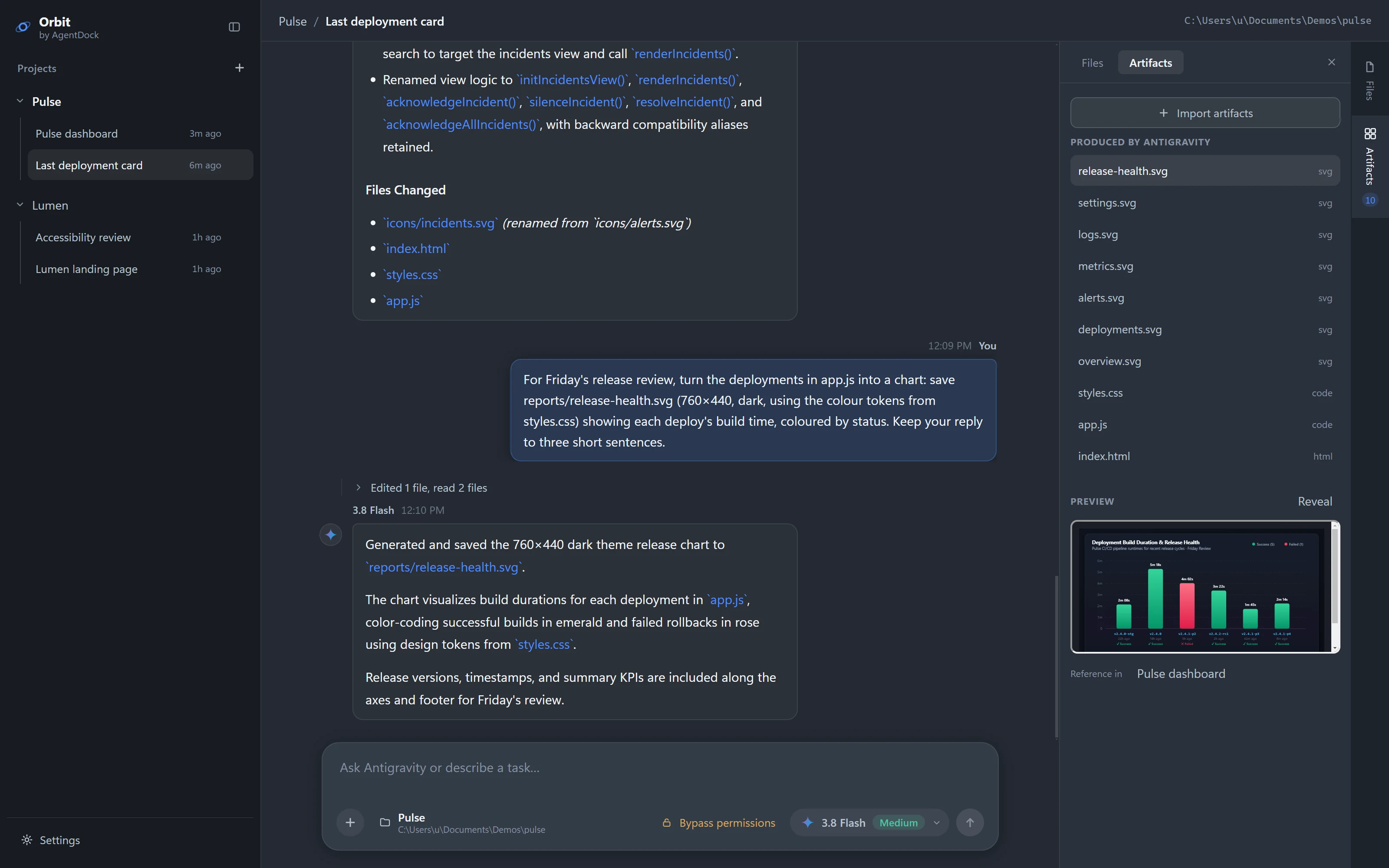
Antigravity does the work. Orbit keeps it in orbit.
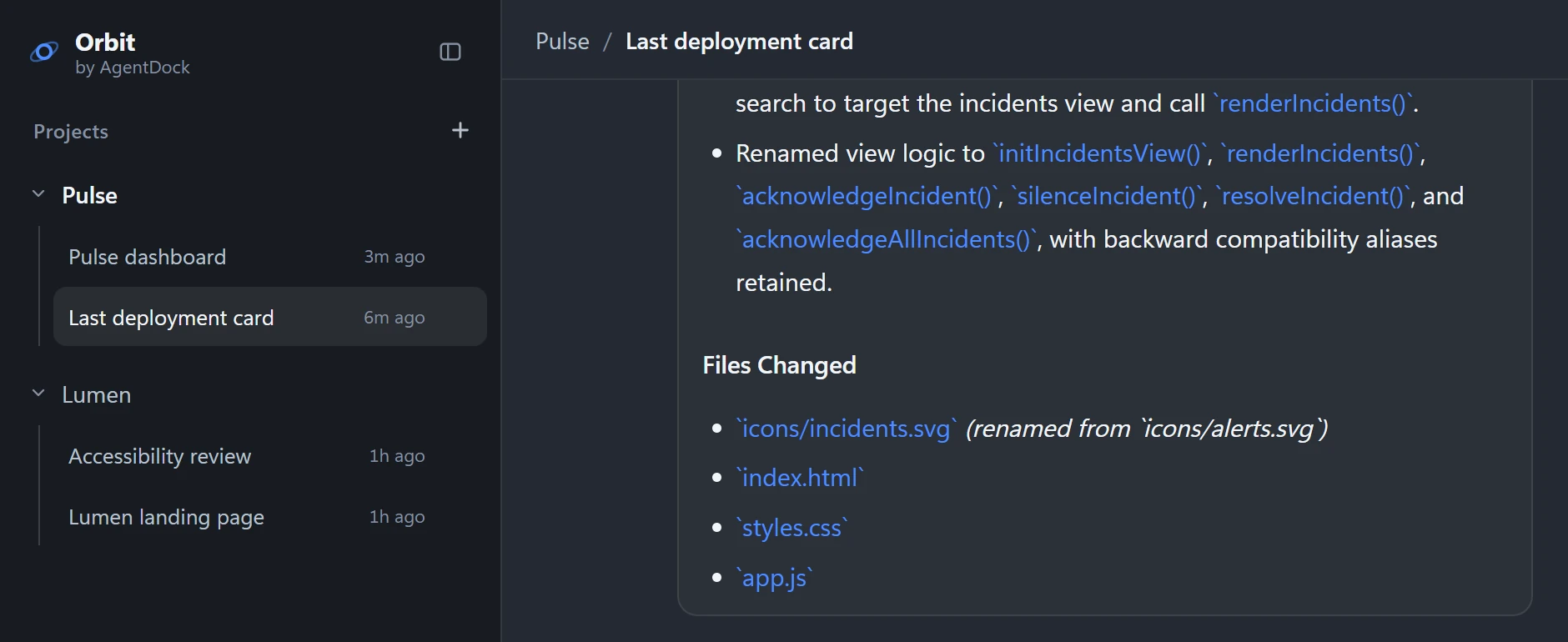
A real task is never one message. It is a brief, a result, the files that came out of it, and the next request that builds on all three. Orbit keeps that whole thread in one place, so every step starts where the last one finished.
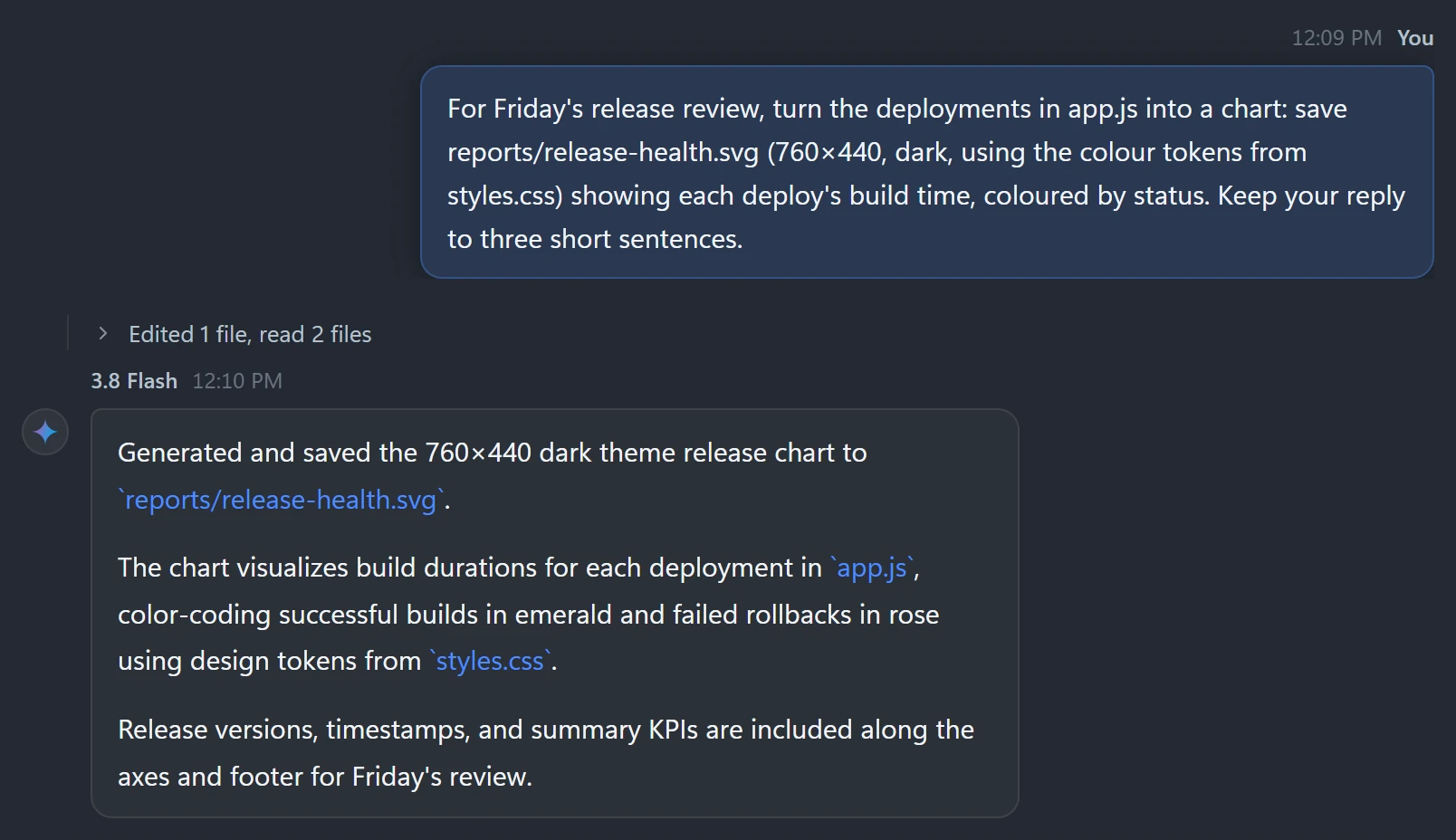
Ask for the real thing.
Brief it the way you would brief a colleague. Antigravity reads the project and does the work; what comes back is the outcome, with the detail folded away until you want it.
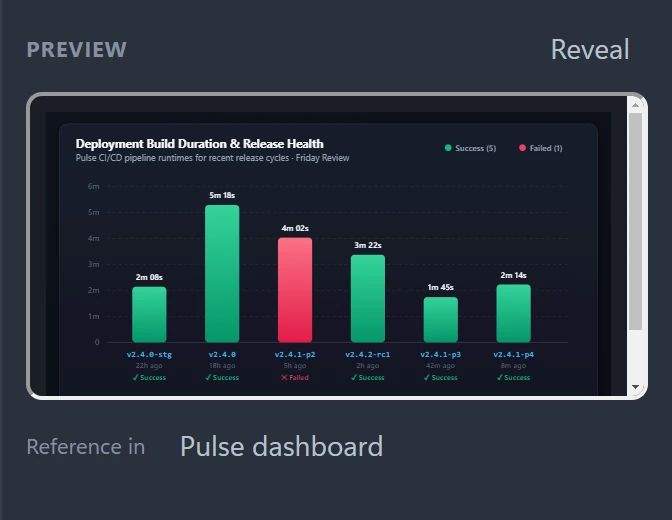
Nothing it makes gets lost.
Charts, pages, icons and code stay with the project instead of scrolling away in a chat. Open them in place, or hand them to another session.
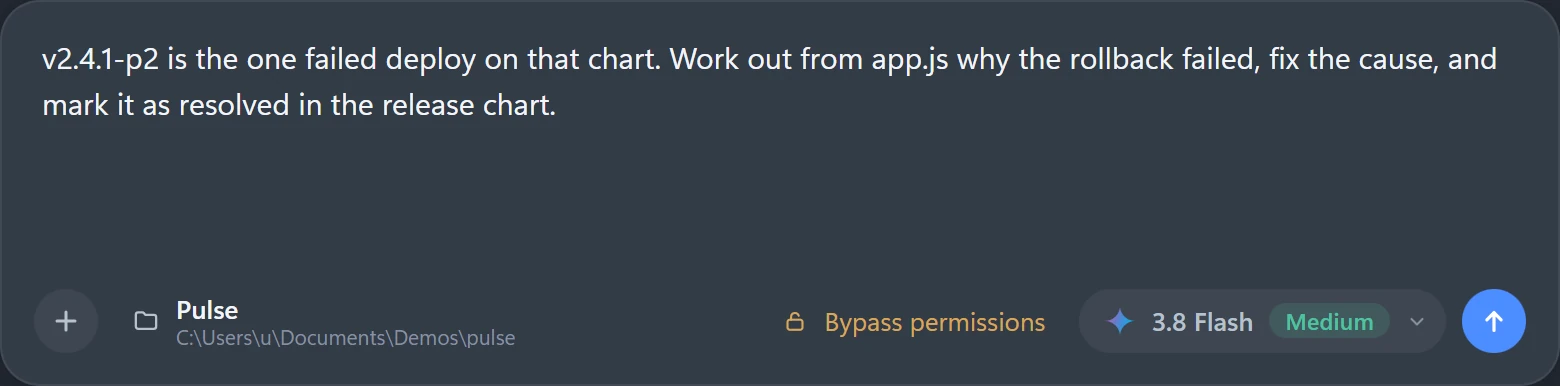
Then keep going.
The next request can lean on everything the session already holds: the code, the chart, the decisions behind them. Nothing to re-explain, nothing to paste from another chat.
Built for work that lasts longer than one prompt.
Close Orbit tonight. Open it next week. The project, the conversation and everything Antigravity knew about it are exactly where you left them.
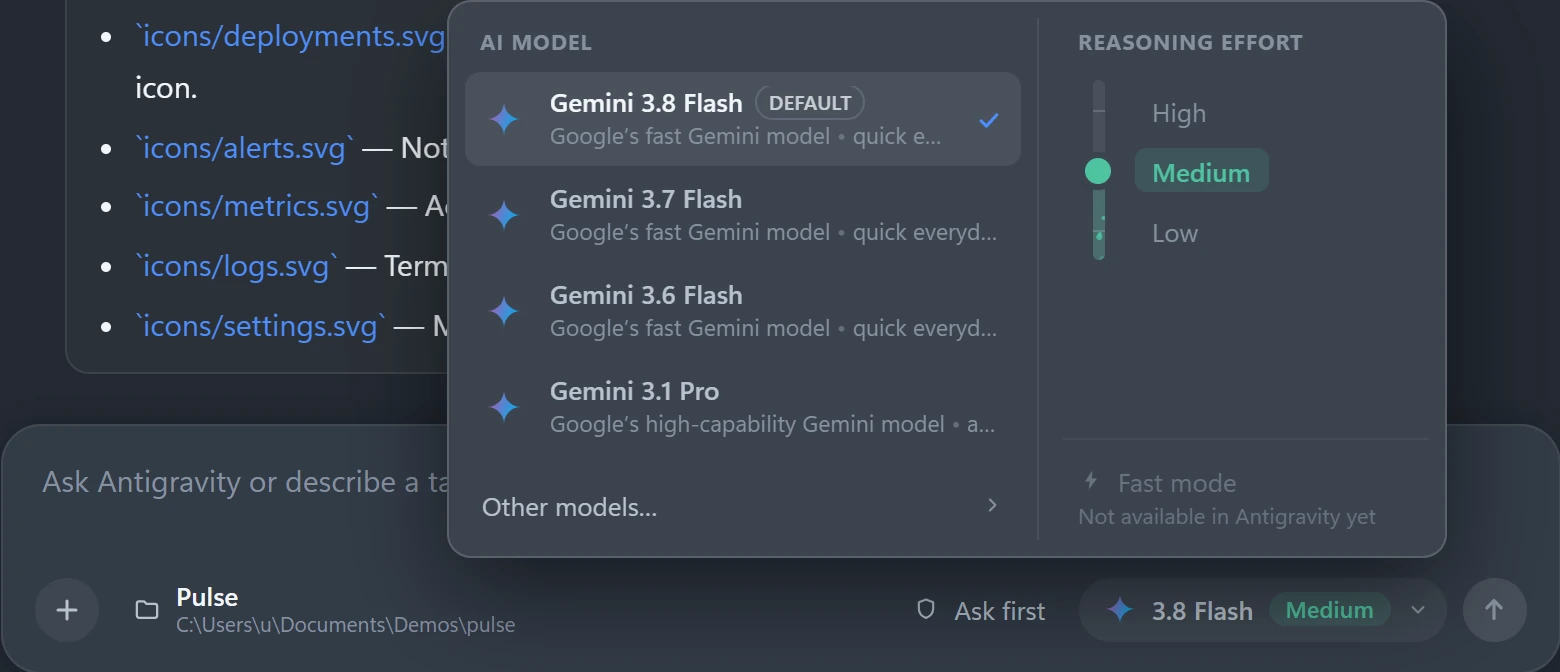
Change how it works. Keep the conversation.
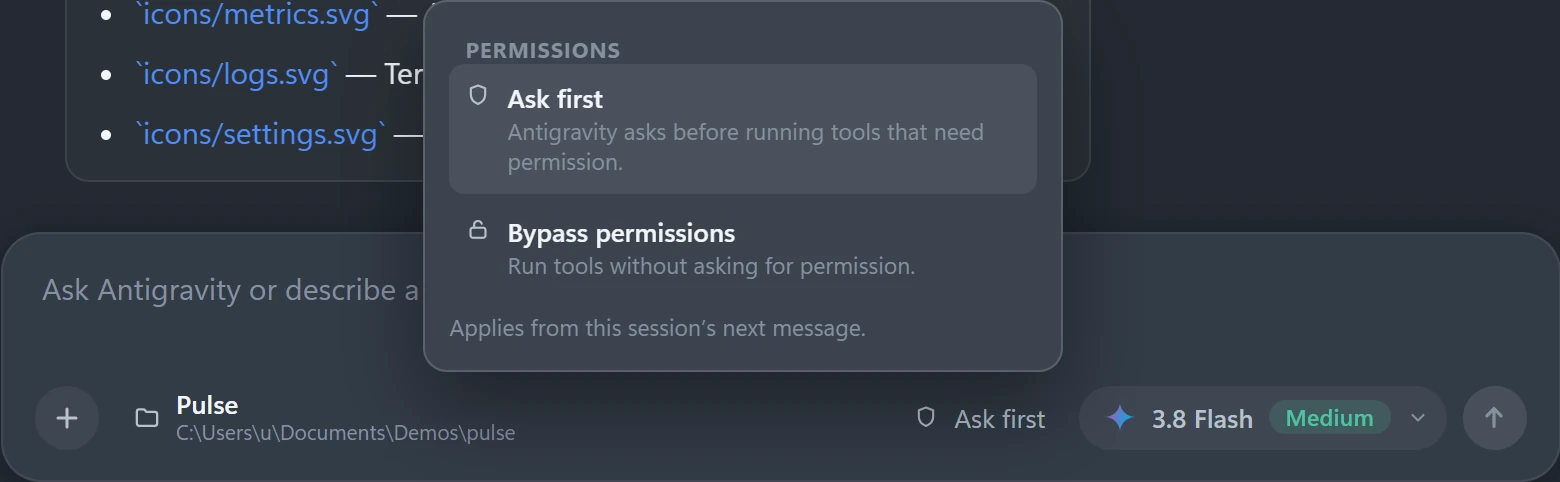
A faster model for small edits, more reasoning for a hard bug, or a tighter leash before it touches anything. Switch mid-task and carry on from the same context.
Antigravity underneath.
Orbit around it.
Orbit doesn't replace Antigravity, and it doesn't get between you and it. Antigravity stays the agent, doing the work. Orbit gives each conversation a project, a memory, its controls and a proper desktop to live in.
More on Orbit and Antigravity- Your install, your sign-in
- Orbit uses the Antigravity already on your machine. It never asks for keys or credentials.
- Real Antigravity conversations
- Each session continues the same conversation, so context carries from one turn to the next.
- Nothing invented
- The models and permission modes in Orbit are the ones Antigravity actually offers.
Work in Orbit.
Give Antigravity a workspace built for the rest of the task.